

The clock event that ends the argument
Billable-hours disputes and ghost shifts are direct margin leaks, and they are almost always one person’s word against another. Glix keeps the raw event and derives the hours from it.
When a client questions a 06:00 start, a timesheet typed up on Friday is not evidence.
14-day trial, no card, full Pro features
Recurring service · overnight shifts · breaks applied
What this gives your operation
Answer attendance disputes in one read
Each clock event carries a time and a location fix, so the answer to a challenged start is already recorded.
Stop paying for shifts nobody worked
Geofencing per site means a clock-in only counts where the work actually happens.
End the fortnightly spreadsheet rebuild
Hours are rated with breaks, rate groups and bank-holiday multipliers, then exported ready for your payroll provider.
The workflow, start to finish
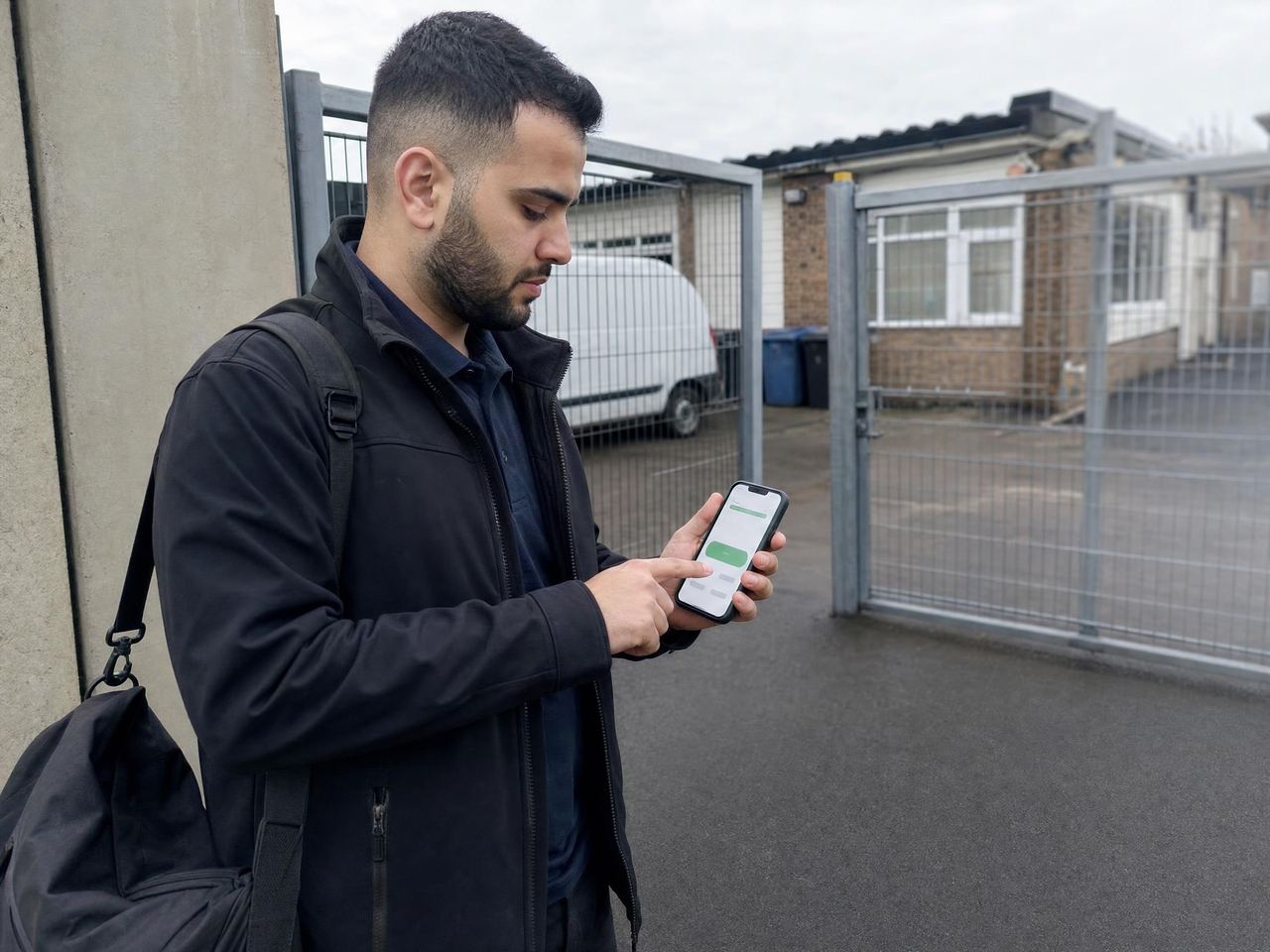
- A worker clocks in on their phone at the location.
- Glix records the event with a time and a location fix.
- A late or missing clock-in surfaces to the duty manager.
- At period end, rated hours are exported for payroll.
In the product
- Mobile clock in and clock out with a location fix
- Geofence configured per location
- Raw clock events preserved, never overwritten
- Worked hours derived from the events, not typed in
- Rated hours with breaks, rate groups and bank-holiday multipliers
- Segmented output that is export-ready for payroll
- Late and missing worker visibility on the operations board
Common time and attendance questions
Does Glix calculate pay?
No. Glix rates worked hours with breaks, rate groups and multipliers and exports them for your payroll provider. Glix is not a payroll system and does not make payments.
What if a worker has no signal when they clock in?
Offline capture queues the event on the device and syncs it when connectivity returns.
How is the geofence set for each location?
The geofence is configured per location, so a large depot and a single doorway can each have a boundary that suits them rather than sharing one radius across the whole estate.
Can a manager edit a clock event after the fact?
The raw clock event is preserved and never overwritten, and worked hours are derived from those events rather than typed in. That is what lets the record answer a challenged start time instead of restating somebody’s recollection of it.
What happens when somebody does not clock in?
Late and missing workers surface as exceptions rather than waiting to be noticed, so a duty manager sees the gap during the shift instead of finding it at period end.
What do we get out at the end of a pay period?
Rated hours with breaks, rate groups and bank-holiday multipliers, segmented and export-ready for your payroll provider. Glix does not calculate pay or make payments.
Works with the rest of the platform
One worker record underneath, so the rota, the attendance event, the round and the incident all refer to the same person and location.
Scheduling & rotas
Build recurring rotas, fill open shifts, cover absence in two clicks and brief workers before they arrive.
Lone worker protection
Worker SOS, discreet duress alarm, check-ins with missed check-in escalation, SMS alert rungs and last-known location.
Patrols & rounds
Checkpoint taps, ordered patrol routes, photo proof, missed-round alerts, dwell time and offline capture.
Site audits
Weighted inspection scoring with pass thresholds, per-item auditor guidance, corrective actions tracked to close, audit scheduling and AI-assisted write-up.
See it in context: Security guarding , Cleaning , Care , Facilities management
Signed up, configured and live. No sales call.
Start on a Sunday evening if you like. Set up your locations, invite your team and run your first shift before anyone asks you to book a demo.
14-day trial, no card, full Pro features