

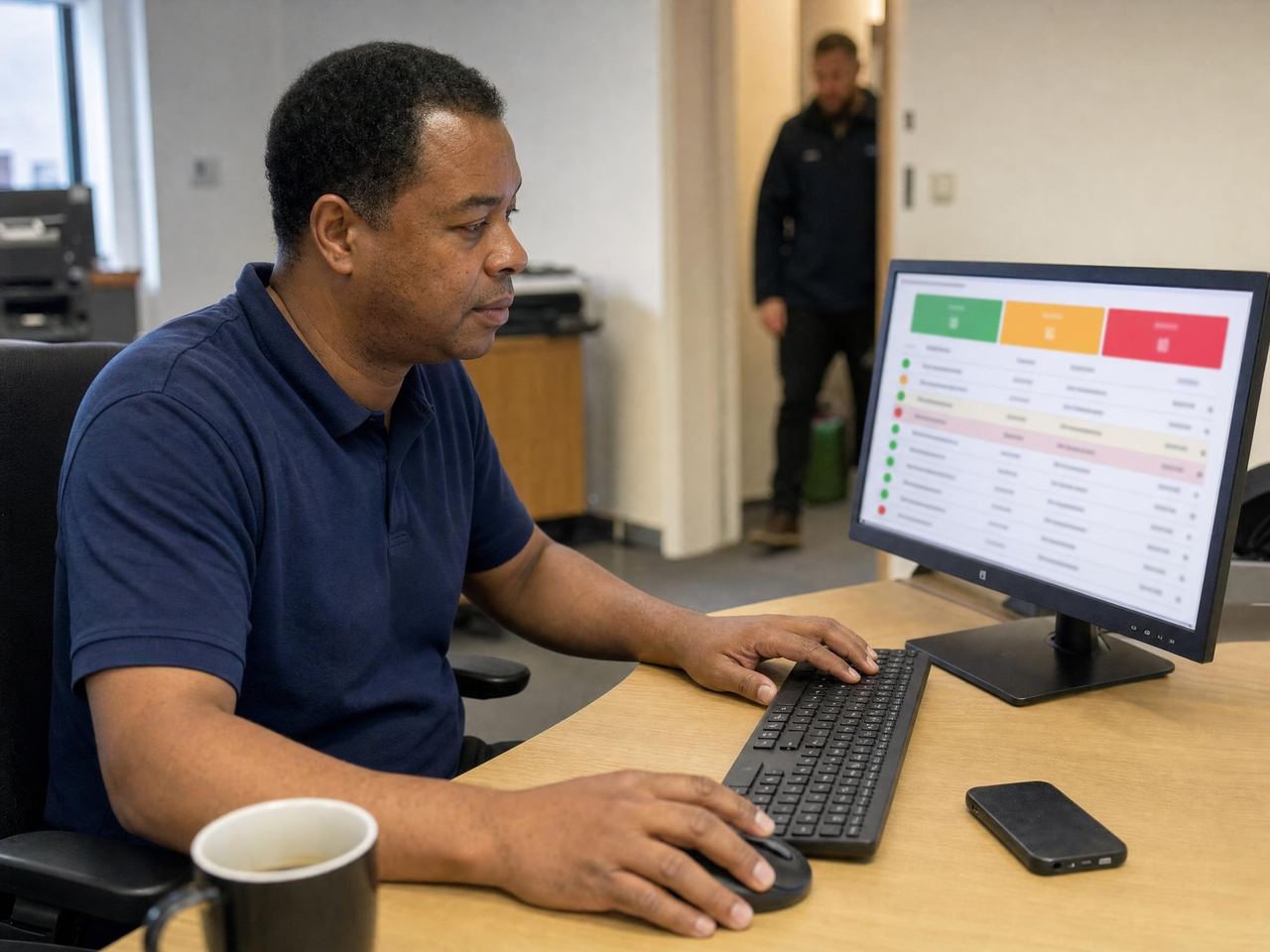
Every site on one screen at 07:00
A duty manager should not need to open twelve tabs to find the one site that is in trouble. Glix puts the whole estate in three buckets and derives the counts from what actually happened.
Operational visibility usually arrives as a phone call from the client, which is the most expensive way to learn about a problem.
14-day trial, no card, full Pro features
- Harbour Point
- Kestrel House
- Milldale Depot
- Weir Street
What this gives your operation
Find the exception, not the noise
Sites sort into on track, needs attention and alert, so attention goes where it is needed.
Trust the numbers on the board
Coverage and round counts derive from recorded events. Nobody can dress the dashboard.
Keep office-based managers in the loop
Safety and operational alerts reach managers in the web app, including the worker’s line manager, not only on mobile.
The workflow, start to finish
- The duty manager opens the board at the start of the day.
- Locations needing attention are already grouped and ranked.
- The manager drills into a location to see the shift, round or alert behind the flag.
- Action is taken and the board updates from the underlying events.
In the product
- All-locations summary in three honest buckets
- Derived coverage and round counts, never hand-edited
- Late, missing and no-show worker exceptions
- Missed-round and overdue-audit exceptions
- Live worker location during active shifts
- The safety spine end to end, from alert to responder action
- Alerts on web for office-based managers and line managers
- Drill-down from the board to the location, shift or worker
Common live operations questions
Can area managers see only their own contracts?
Yes. Location-scoped managers see only the locations assigned to them.
Where do the numbers on the board come from?
They are derived from recorded events: clock events, checkpoint taps, completed audits. Coverage and round counts are never hand-edited, so nobody can tidy the board before a review.
What puts a location in needs attention or alert?
An exception the board can see for itself. A late, missing or no-show worker, a missed round, an overdue audit or a live safety alert moves a location out of on track, and the reason is on the location when you open it.
Do alerts only reach people on their phones?
No. Responder alerts reach mobile on every plan, and from Pro upwards alerts also reach office-based managers in the web app, including the worker’s line manager. A manager at a desk should not be the last to know.
Can I get from the board to the underlying record?
Yes. You drill down from a flagged location to the shift, the round or the worker behind the flag, so the board is a way into the record rather than a summary you then have to go and verify.
Works with the rest of the platform
One worker record underneath, so the rota, the attendance event, the round and the incident all refer to the same person and location.
Scheduling & rotas
Build recurring rotas, fill open shifts, cover absence in two clicks and brief workers before they arrive.
Time & attendance
Geofenced clock in and clock out with a location fix, raw clock events preserved and rated hours that are export-ready for payroll.
Lone worker protection
Worker SOS, discreet duress alarm, check-ins with missed check-in escalation, SMS alert rungs and last-known location.
Patrols & rounds
Checkpoint taps, ordered patrol routes, photo proof, missed-round alerts, dwell time and offline capture.
See it in context: Facilities management , Security guarding , Cleaning , Care

Signed up, configured and live. No sales call.
Start on a Sunday evening if you like. Set up your locations, invite your team and run your first shift before anyone asks you to book a demo.
14-day trial, no card, full Pro features