

Let the client check the proof themselves
Client reporting is a stated must-have in security software comparisons, and self-serve evidence is scored in PQQs and tender interviews. It also ends the Monday morning email chain.
Proof of service usually means an account manager assembling a PDF, which costs a day and arrives after the client has already formed an opinion.
14-day trial, no card, full Pro features
What this gives your operation
Answer the client before they ask
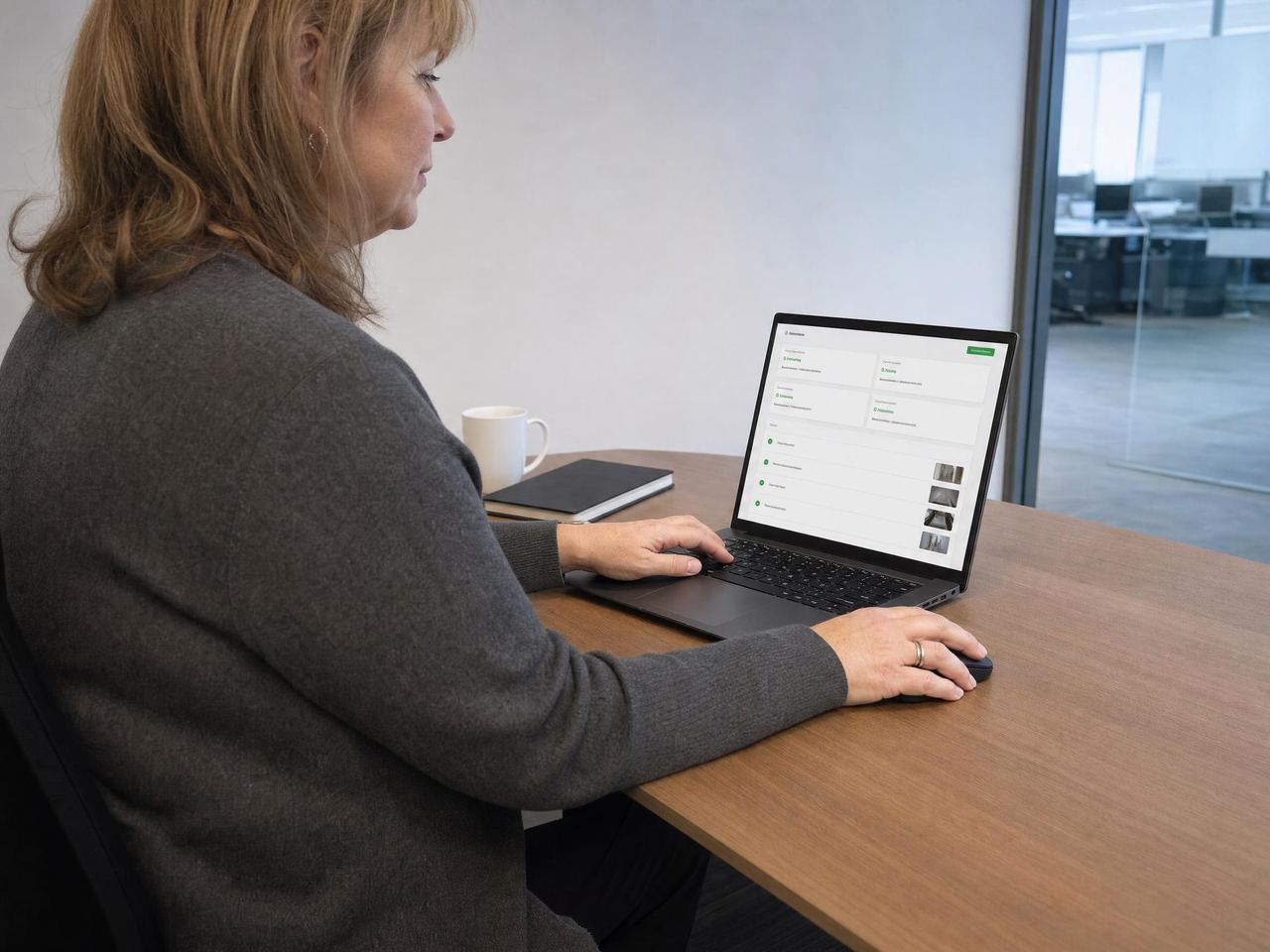
Clients open their own view and see last night’s attendance, rounds, audits and incidents.
Turn evidence into retention
A client who can see the standard being kept is a harder client for a competitor to unsettle.
Keep the boundary tight
Access is read-only and scoped to the client’s own contract and sites.
The workflow, start to finish
- You invite the client contact and scope them to their locations.
- The client signs in and sees only their own contract.
- Attendance, rounds, audits and incidents appear as they are recorded.
- Formal reports are issued when the contract requires them.
In the product
- Read-only client access, scoped to their contract
- Their locations only, with no visibility of other clients
- Attendance proof with clock events
- Completed rounds with photo proof
- Audit results and scores
- Incident visibility
- Operational reports and CSV export
- Gated audit report for formal issue
Common client portal questions
Can a client change anything?
No. Client access is read-only by design.
Do client users cost a seat?
Billable seats are active workers. Managers, owners and client viewers are not billable.
What exactly can a client see?
The service evidence for their own contract: attendance proof with clock events, completed rounds with photo proof, audit results and scores, and incidents at their locations. It appears as it is recorded rather than being assembled and sent.
Can access be limited to one client’s own locations?
Yes, and it is by default. A client contact is scoped to their own contract and their own locations when you invite them, with no visibility of any other client’s work.
Can clients download reports?
Yes. Operational reports and CSV export are available, and an audit report can be gated so it is issued formally when the contract calls for it rather than seen in draft.
How is client access different from a manager’s?
A client reads and a manager works. Client access is read-only and limited to the evidence for their own contract, while a manager plans rotas, assigns cover and acts on alerts. A client cannot change a record, and the portal is available from Pro upwards.
Works with the rest of the platform
One worker record underneath, so the rota, the attendance event, the round and the incident all refer to the same person and location.
Scheduling & rotas
Build recurring rotas, fill open shifts, cover absence in two clicks and brief workers before they arrive.
Time & attendance
Geofenced clock in and clock out with a location fix, raw clock events preserved and rated hours that are export-ready for payroll.
Lone worker protection
Worker SOS, discreet duress alarm, check-ins with missed check-in escalation, SMS alert rungs and last-known location.
Patrols & rounds
Checkpoint taps, ordered patrol routes, photo proof, missed-round alerts, dwell time and offline capture.
See it in context: Security guarding , Cleaning , Facilities management , Care

Signed up, configured and live. No sales call.
Start on a Sunday evening if you like. Set up your locations, invite your team and run your first shift before anyone asks you to book a demo.
14-day trial, no card, full Pro features